Track Bing Ads conversions accurately by sending them server-side through the Microsoft Conversions API (CAPI) instead of relying on the browser UET tag alone — and, more importantly, by controlling which leads count as conversions. The UET tag fires for whoever happens to load a page, whether that person is a real prospect or a bot that bounced in four seconds. A server-side pipeline lets you see every captured lead first, then send only the ones matching your own definition of a conversion.
One prerequisite up front, because it’s a real gate: Microsoft has to approve Conversions API access for your advertising account before you get a CAPI token. That approval is a Microsoft process, not something any tool grants you. Everything below assumes you have it or are requesting it.
Why is Bing Ads conversion tracking inaccurate?
Microsoft Advertising’s UET (Universal Event Tracking) tag is a browser script — which means it inherits every browser-script problem, plus a definitional one that’s arguably worse.
The browser problems are the familiar ones. Ad blockers block the UET script. Privacy browsers and tracking prevention limit its cookies. Users on privacy-hardened setups never fire it. Every conversion those people complete is invisible to Microsoft, so your reported cost-per-conversion looks worse than reality and the bidding algorithm optimizes on a partial picture.
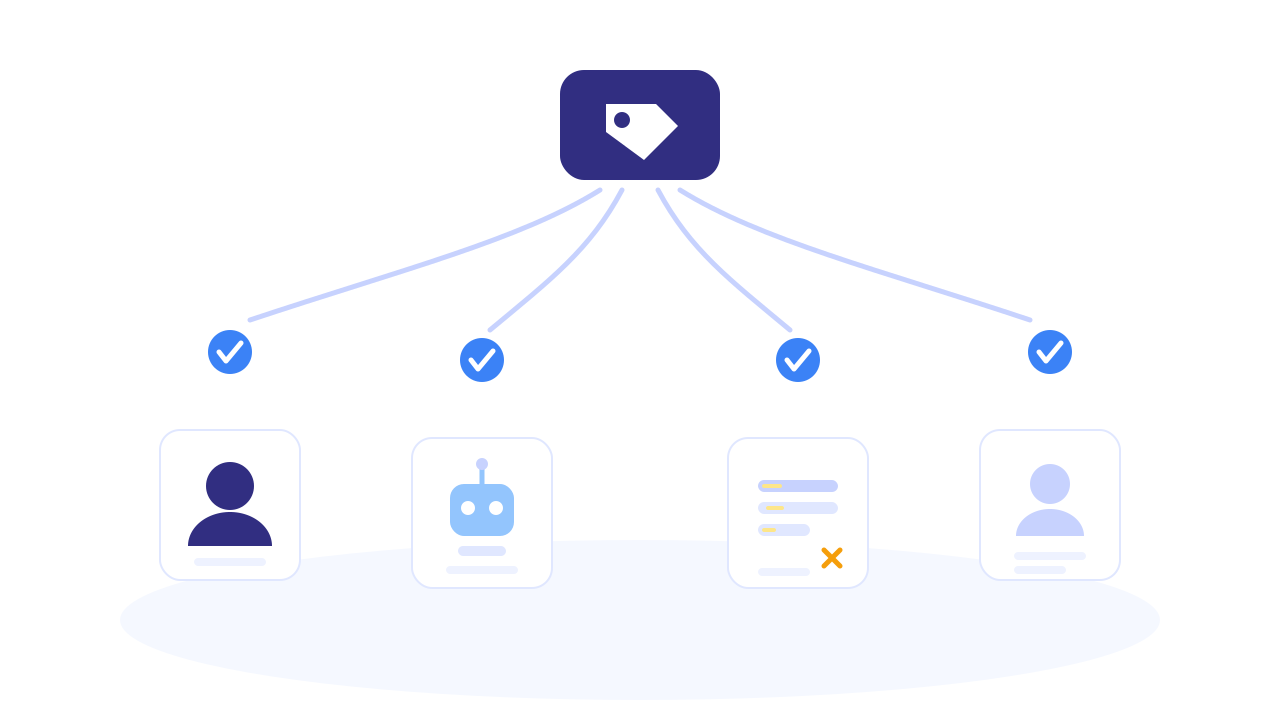
The definitional problem is bigger. The UET tag fires on a page load or a click — it has no idea whether the person behind it is a qualified lead. Point a conversion goal at your thank-you page and Microsoft counts:
- The genuine prospect who filled the form properly.
- The bot that crawled through.
- The tire-kicker who typed “asdf” into every field.
- The existing customer who resubmitted by accident.
- The competitor checking out your funnel.
Microsoft’s algorithm then optimizes toward more of all of that, because as far as it knows, each one was a win. On a lead-gen account this is how you end up paying more for worse leads over time: the machine is faithfully finding you more of what you told it to value.
And the two systems disagree about what a conversion even is. Your CRM says a conversion is a qualified lead who booked a call. Your UET tag says a conversion is a pageview on /thank-you. Those are different populations, and only one of them pays you.
What does inaccurate conversion data cost on Microsoft Ads?
Three compounding costs, and the third is the one that hurts.
Underreporting inflates your apparent cost per conversion. Blocked UET tags mean real conversions never register. Campaigns look more expensive than they are, and the reflex is to cut spend on channels that were actually working — Microsoft Ads especially, since it’s often the smaller budget line that gets trimmed first when the numbers look soft.
Over-counting junk trains the algorithm against you. This is the expensive one. Every low-quality “conversion” you feed Microsoft is a training signal saying find more people like this. Automated bidding does exactly that. Given a few weeks, an account optimizing on unfiltered form fills drifts steadily toward cheaper, worse traffic — and the drift looks like success in the dashboard right up until sales complains about lead quality.
You can’t fix what you can’t see. Most advertisers have no lead-level visibility into what their conversion pixel actually counted. There’s a number in the dashboard — 47 conversions — and no way to inspect the 47 and ask were these real? Without that inventory, “improve lead quality” stays a slogan.
What are the honest options for fixing it?
Option A: UET tag only, tightened. Move the conversion goal off the thank-you page onto a more meaningful trigger, add bot filtering, exclude known IPs. Free and better than nothing. Limits: still browser-dependent, still blind to who the person is, still can’t distinguish a qualified lead from a junk submission that reached the same page.
Option B: Microsoft CAPI, built in-house. Send conversions server-to-server from your backend. This solves the blocking problem properly. The costs are the usual ones: capturing and storing msclkid at first touch so the conversion can be matched back to the click days later, hashing user data to spec, deterministic event IDs so UET and CAPI deduplicate instead of double-counting, retry handling, and validation-error handling. It’s real backend work, plus permanent ownership — and it still doesn’t answer which leads should be sent unless you also build the lead inventory and the filtering logic.
Option C: A managed pipeline that owns capture, filtering, and dispatch. The capture layer stores the click identifiers, the lead inventory makes every captured lead visible, and the dispatch layer sends only what qualifies. That’s the shape of the next section.
Whichever route: Microsoft’s CAPI approval is a prerequisite for B and C. Request it early — it’s the long pole.
How does PartialLeads make Bing conversions accurate?
PartialLeads treats accuracy as a selection problem, not just a delivery problem. Delivery is table stakes; deciding what deserves to be called a conversion is where the accuracy comes from.
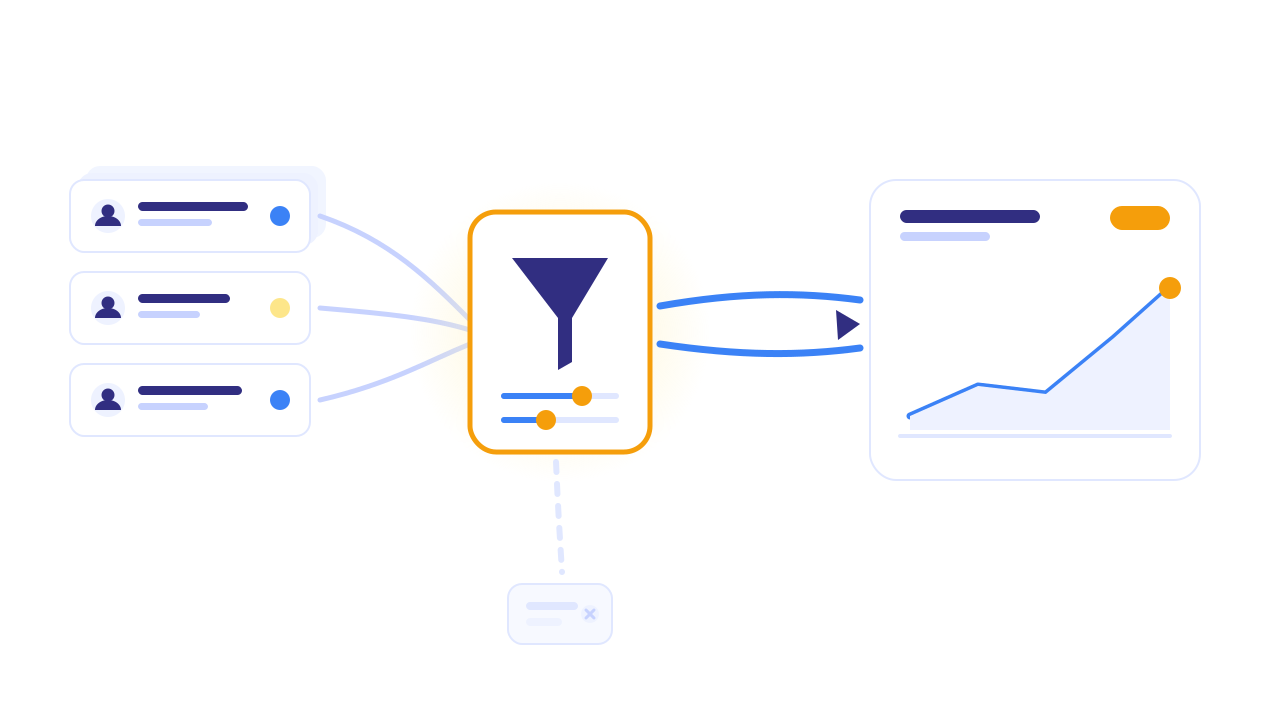
Every lead is visible before anything is sent. Every lead PartialLeads captures — including partial ones, where the visitor typed an email and left without submitting — lands in the Leads page with its source, campaign, journey, captured fields, and AI match score. Before you decide what Microsoft should count, you can see the actual inventory. This is the part most stacks are missing: you’re choosing from a list you can inspect, not trusting a number you can’t.
Conversions fire on your conditions, not on a page load. Each Microsoft CAPI config picks how leads qualify:
- On partial capture — the moment a real email is typed, before submit.
- On completed submission — the classic post-submit conversion.
- On a custom rule — a condition combinator over the captured lead data with AND/OR logic, so “counts as a conversion” can mean whatever your business says it means.
- On a booking — for calendar-driven funnels where the booked appointment is the only conversion that matters.
- Manually — you decide, lead by lead.
Test a rule before you trust it. The rule builder answers a question no pixel setup can: “this condition would have matched N of M capture-ready leads in the last 7 days.” It runs the same matcher the live dispatch uses — not a lookalike query — so the preview is exactly what would have fired. You tune the definition of a conversion against real historical leads before a single event reaches Microsoft.
Send leads you’ve already captured. Because the full lead history lives in the Leads page, a lead can be sent to Microsoft on demand — useful when a config was misconfigured, when approval landed after the leads did, or when a rule change means previously-skipped leads should now count. One honest boundary: PartialLeads sends events within a 7-day window of the click, matching Meta’s documented limit; Microsoft does not publish a tighter one. Older leads still deliver, but with a clamped timestamp rather than their original one. It’s recovery within a recent window, not unlimited time travel.
Nothing double-counts. Every event carries a deterministic ID derived from the underlying record, backed by a send ledger. Microsoft deduplicates UET and CAPI events sharing an ID, and PartialLeads blocks re-sends before dispatch — so retries, rule changes, and manual sends can’t inflate your numbers. Partial failures are surfaced too: if Microsoft accepts an event but strips an invalid optional identifier, that appears in the activity log as a warning instead of vanishing.
Agencies get per-domain configs. Each domain can have its own UET tag and token — including domains belonging to entirely different Microsoft Advertising accounts — with a duplicate-to-new-domain helper for rollout. A 7-day health strip (sends, delivery rate, warnings, trial usage) shows whether each config is actually delivering.
Honest boundaries: Microsoft’s CAPI approval is required and entirely on Microsoft’s side — PartialLeads can’t grant or speed it up. The 7-day event window is the window PartialLeads applies, matching Meta’s documented limit — not a Microsoft-imposed ceiling. Keep your UET tag installed; server-side conversions complement it and deduplicate against it rather than replacing it. And accuracy here means you control and can inspect what counts — no honest tool can promise a percentage, because the definition of a good lead is yours, not the software’s.
The accuracy gap, closed in one view:
| The problem today | PartialLeads mechanism | Where you see it working |
|---|---|---|
| UET tag blocked by ad blockers and privacy browsers | Server-side CAPI dispatch — no browser dependency | Conversions arriving for sessions where the tag never fired |
| Every thank-you pageview counts as a conversion | Condition-based firing: partial / completed / rule / booking / manual | Only qualifying leads dispatched |
| No way to inspect what the pixel counted | Full lead inventory with source, journey, fields, AI score | The Leads page — the list behind the number |
| Rules are guesswork until it’s too late | Live preview: “would have matched N of M leads in the last 7 days” | Rule builder, using the live dispatch matcher |
| Leads captured before setup are lost | Manual send from a captured lead (within the 7-day window PartialLeads applies) | Activity log showing the recovered sends |
| Re-sends and retries inflate numbers | Deterministic event IDs + send ledger + UET/CAPI dedup | Microsoft counts matching your Leads page |
| Agency: many domains, many Microsoft accounts | Per-domain configs with duplicate-to-new-domain | Independent health strips per domain |
Setup is the tag you already run, plus your Microsoft CAPI token once approved. The free tier (50 leads) is enough to build the lead inventory and test rule conditions against real leads before sending anything.
Tell us what's broken. We'll fix your tracking — free.
Describe the tracking/attribution problem you're stuck on and we'll map it to a fix: server-side conversions to Meta, Google, TikTok and Pinterest, plus first-party tracking that survives Safari. No code required.
Sources
- Microsoft Learn — Universal Event Tracking (UET): https://learn.microsoft.com/en-us/advertising/guides/universal-event-tracking
- Microsoft Learn — Offline conversions (ConversionTime and conversion windows): https://learn.microsoft.com/en-us/advertising/campaign-management-service/offlineconversion