The Conversions API (CAPI) is Meta’s server-side conversion tracking method. Instead of relying on browser-based pixel events, CAPI sends conversion data directly from your server to Meta’s servers, bypassing browser limits like iOS App Tracking Transparency and ad blockers. CAPI is meant to be paired with the Meta Pixel, not replace it.
Most Meta advertisers in 2026 run both: the Pixel fires from the browser, CAPI fires from the server, and Meta deduplicates the events using a shared event_id. Running only the Pixel in 2026 misses a large share of iOS conversions; running only CAPI loses the browser-side fingerprinting that helps Meta match events to users.
What is the Conversions API?
The Conversions API is a server-to-server API endpoint published by Meta that accepts conversion events from advertisers’ own backends. The events match the same schema as Meta Pixel events — Purchase, Lead, CompleteRegistration, AddToCart, custom events — but the transport is HTTPS POST from your server, not JavaScript in a browser.
The full official name is “Meta Conversions API,” sometimes still called “Facebook Conversions API” in older documentation. The acronym CAPI is universal. Meta’s primary documentation lives at developers.facebook.com under the Marketing API.
A CAPI event payload includes the event name, event time, the user data parameters that identify the visitor (hashed email, hashed phone, IP address, user agent, the _fbp and _fbc cookies if available), and the conversion-value data (currency, amount, content IDs). Meta uses the user-data parameters to match the server event to a real user in its graph — this is what Event Match Quality (EMQ) scores.
How does the Conversions API work mechanically?
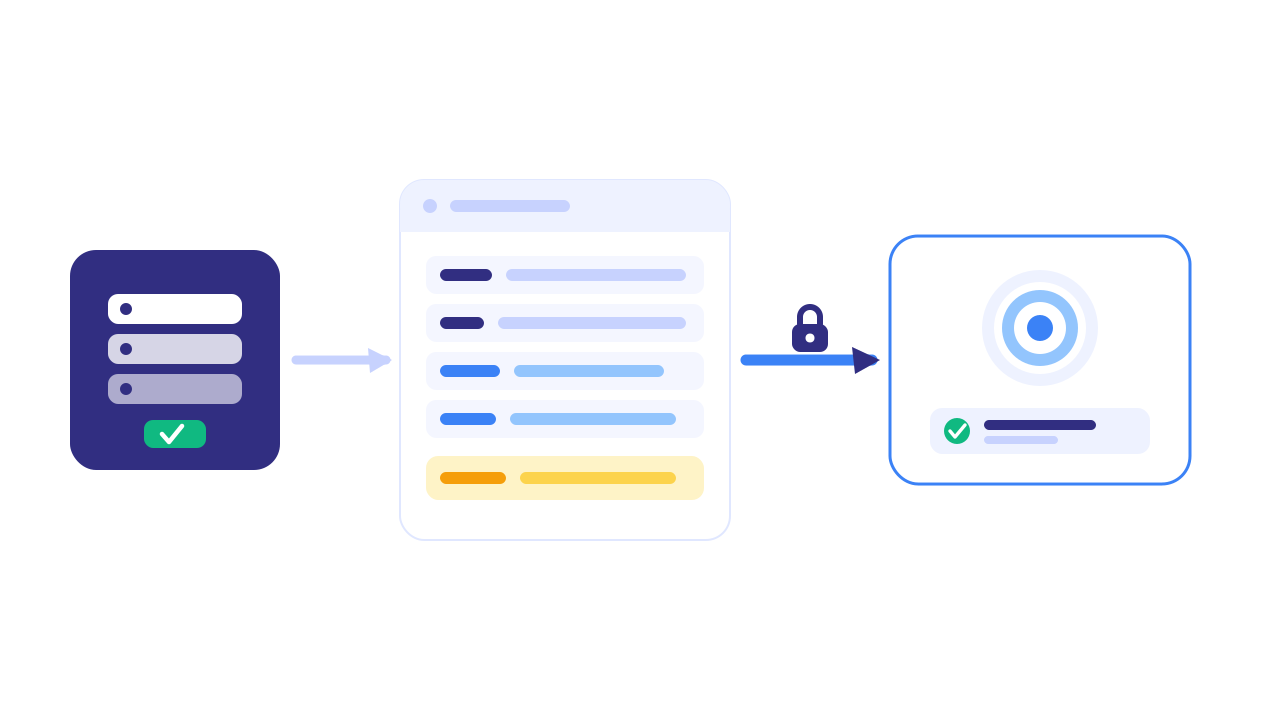
A CAPI integration consists of three pieces: a server endpoint in your stack that knows when a conversion happened, a CAPI client that builds the event payload and signs it, and the Meta CAPI receiver that accepts it.
When a user submits a form or completes a purchase on your site, your backend has the conversion event in its own data — order ID, lead ID, customer email. The CAPI integration takes that event, hashes the customer-identifying fields with SHA-256 (per Meta’s spec), assembles the payload with required fields like event_name, event_time, event_id, action_source, and user_data, and POSTs it to https://graph.facebook.com/v18.0/<pixel_id>/events with an access token.
A minimal Node.js example, simplified:
const crypto = require("crypto");

const hash = (v) => crypto.createHash("sha256").update(v.trim().toLowerCase()).digest("hex");

const payload = {
  data: [{
    event_name: "Lead",
    event_time: Math.floor(Date.now() / 1000),
    event_id: leadId,                  // shared with the Pixel for deduplication
    action_source: "website",
    event_source_url: "https://yoursite.com/contact",
    user_data: {
      em: [hash(email)],
      ph: [hash(phone)],
      fbp: cookies._fbp,
      fbc: cookies._fbc,
      client_ip_address: req.ip,
      client_user_agent: req.headers["user-agent"],
    },
  }],
  access_token: process.env.META_ACCESS_TOKEN,
};

await fetch(`https://graph.facebook.com/v18.0/${PIXEL_ID}/events`, {
  method: "POST",
  headers: { "Content-Type": "application/json" },
  body: JSON.stringify(payload),
});
The event_id field is what enables deduplication. When both the Pixel and CAPI fire for the same conversion with the same event_id, Meta keeps the richer of the two events (usually CAPI) and discards the duplicate. Without a shared event_id, the same conversion gets counted twice — inflating reported conversions and degrading optimization.
What problem does CAPI solve that the Meta Pixel doesn’t?
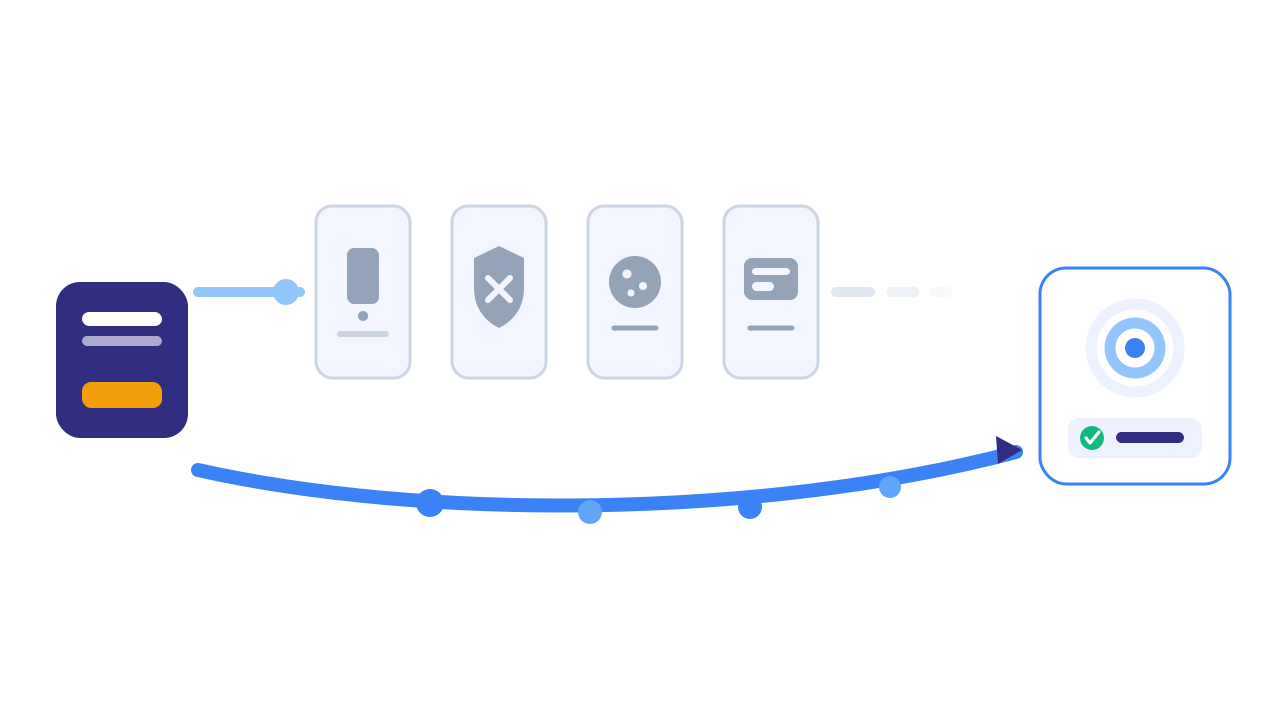
The Meta Pixel runs in the browser as JavaScript, which means anything that blocks JavaScript — ad blockers, browser privacy modes, iOS App Tracking Transparency, Safari Intelligent Tracking Prevention — also blocks conversion reporting. CAPI runs server-side, where none of those restrictions apply.
The structural gaps the Pixel can’t close:
- iOS App Tracking Transparency (ATT). Since Apple launched ATT with iOS 14.5 in April 2021, most iOS users opt out of cross-app tracking. Per the Business of Apps ATT opt-in dataset, fewer than half of iOS users opt in — meaning a large share block the cross-app tracking that the Pixel relies on for attribution.
- Ad blockers. Industry estimates put ad blocker prevalence at 30%+ on desktop and rising in mobile browsers like Brave and Firefox Focus. Most ad blockers explicitly block
connect.facebook.net, the Meta Pixel host. - Safari Intelligent Tracking Prevention (ITP). Safari caps first-party JavaScript-set cookies to 24 hours when it detects link decoration, and partitions third-party cookies completely. This shrinks the Pixel’s ability to recognize returning users.
- Consent denial. EU users who decline cookies via a Consent Management Platform have the Pixel disabled by default under Google Consent Mode v2 and equivalent setups.
CAPI bypasses all four of these because it doesn’t run in the browser at all. Meta has publicly stated that advertisers running CAPI alongside the Pixel see meaningfully lower costs per result than those running the Pixel alone. Meta-affiliated case studies circulate a specific percentage for that improvement, but the underlying study isn’t publicly locatable — so treat any such figure as best-case marketing arithmetic and measure the lift on your own account instead.
When was the Conversions API launched, and why?
Meta launched the Conversions API in 2020 — originally as the “Server-Side API” — as part of its response to the imminent iOS 14.5 App Tracking Transparency rollout, which Apple announced in mid-2020 and shipped in April 2021. Meta knew the Pixel alone would lose visibility into iOS conversions and needed a server-side path that didn’t depend on the browser.
The API was renamed “Conversions API” in 2021 and folded into the Meta Marketing API. Since then, Meta has progressively pushed advertisers toward CAPI through Event Manager warnings, one-click setup for partner platforms (Shopify, WooCommerce, WordPress), and increasingly favorable bidding for accounts with high Event Match Quality.
The underlying motivation is straightforward: the Pixel was already a closed-loop tracking mechanism Meta couldn’t fully trust because the browser environment is hostile to it. Server-side data is more trustworthy, more complete, and more aligned with the post-cookie web that platforms are slowly building toward.
What does it cost to implement CAPI?
CAPI access itself is free — there is no API usage fee from Meta. The cost is in implementation labor and (if applicable) middleware.
Three implementation paths, in roughly ascending cost order:
-
Partner integrations (Shopify, WooCommerce, BigCommerce, HubSpot, etc.) — usually a one-click setup inside the platform’s admin. Engineering cost: ~0 hours. Limitations: less flexibility for custom event mapping; partner integrations sometimes don’t pass the full set of recommended parameters.
-
Server-side Google Tag Manager (sGTM) via Stape, Taggrs, or a self-hosted Cloud Run container. Stape hosting starts at roughly $20/month for low-volume sites; Google Cloud Run hosting starts at roughly $120/month for a production setup. Engineering setup is typically 4–10 hours.
-
Direct HTTPS integration from your backend. Engineering cost: 1–3 days for a competent backend developer to build, test, and verify deduplication. Ongoing cost: maintenance when Meta’s API version changes or fields are deprecated.
For most mid-sized advertisers, sGTM via Stape is the cleanest balance of capability and cost. For organizations with engineering resources and a desire for control over the data pipeline, direct integration is more durable.
Can I run CAPI without engineering help?
Yes, conditionally. If your site runs on Shopify, WooCommerce, WordPress, Wix, Squarespace, or another major platform with a Meta-certified integration, the platform’s app store usually has a one-click CAPI app that handles the entire pipeline. Setup time is under an hour and requires no engineering.
If your site is custom-coded, no — direct CAPI integration requires backend access to wire the event triggers, the hashing, the access token storage, and the deduplication. The Stape / sGTM path is the middle ground: it requires Google Tag Manager familiarity and a configuration session, but no application-level code changes.
The honest gating question is: who owns deciding when a conversion happened? If that lives in your application code (a backend lead-creation event, an order webhook, a payment-success handler), CAPI needs to integrate at that layer. If it lives in your CMS or e-commerce platform, the partner integration is usually enough.
What are the alternatives to Meta’s Conversions API?
CAPI is Meta-specific. Each major ad platform now publishes its own equivalent server-side API:
| Platform | Server-side API | Generally available since |
|---|---|---|
| Meta Ads | Conversions API (CAPI) | 2020 |
| Google Ads | Enhanced Conversions for Web + Google Ads API offline conversion imports | 2021 |
| TikTok Ads | Events API | 2021 |
| LinkedIn Ads | Conversions API | 2024 |
| Reddit Ads | Conversions API | 2023 |
| Conversions API | 2022 | |
| Snap | Conversions API | 2021 |
The deduplication models differ across platforms — Google uses Enhanced Conversions’ hashed user identifiers, Meta and the others use a shared event_id — but the strategic motivation is the same. Server-side tracking is now table stakes for paid social and search measurement, not an advanced add-on.
A unified setup typically routes every conversion through server-side Google Tag Manager, which then fans the event out to each platform’s API in the correct schema. This is the cleanest pattern for advertisers running on more than two platforms.
Tell us what's broken. We'll fix your tracking — free.
Describe the tracking/attribution problem you're stuck on and we'll map it to a fix: server-side conversions to Meta, Google, TikTok and Pinterest, plus first-party tracking that survives Safari. No code required.
Sources
- Meta for Developers — Conversions API documentation: https://developers.facebook.com/docs/marketing-api/conversions-api
- Meta Business Help — About the Conversions API: https://www.facebook.com/business/help/353532912433684
- Meta for Developers — Conversions API best practices: https://developers.facebook.com/docs/marketing-api/conversions-api/best-practices
- Meta for Developers — fbp and fbc parameters: https://developers.facebook.com/docs/marketing-api/conversions-api/parameters/fbp-and-fbc
- Business of Apps — App Tracking Transparency Opt-In Rates: https://www.businessofapps.com/data/att-opt-in-rates/
- Stape — Facebook Conversions API setup guide: https://stape.io/blog/how-to-set-up-facebook-conversion-api