Attach Twilio call recordings to leads by matching each recording’s lead-side phone number against your lead records automatically — not by manual logging, not by Zapier stitching. The gap exists because Twilio stores recordings by call SID and phone number, with no concept of a “lead,” while CRMs only attach calls placed through their own built-in dialers. The result for any business that runs discovery calls on Twilio: the recording lives in the Twilio console, the lead lives in the CRM, and the ad click that paid for both lives nowhere. Three tabs, no join.
This article covers why the call-to-lead gap exists, what it costs a discovery-call business, the manual workarounds and their limits, and how PartialLeads closes it — recordings matched to leads by phone and playable in-app, right beside the lead’s source, journey, and captured data.
Why don’t call recordings attach to leads?
Because the two systems index by different keys, and nothing translates between them.
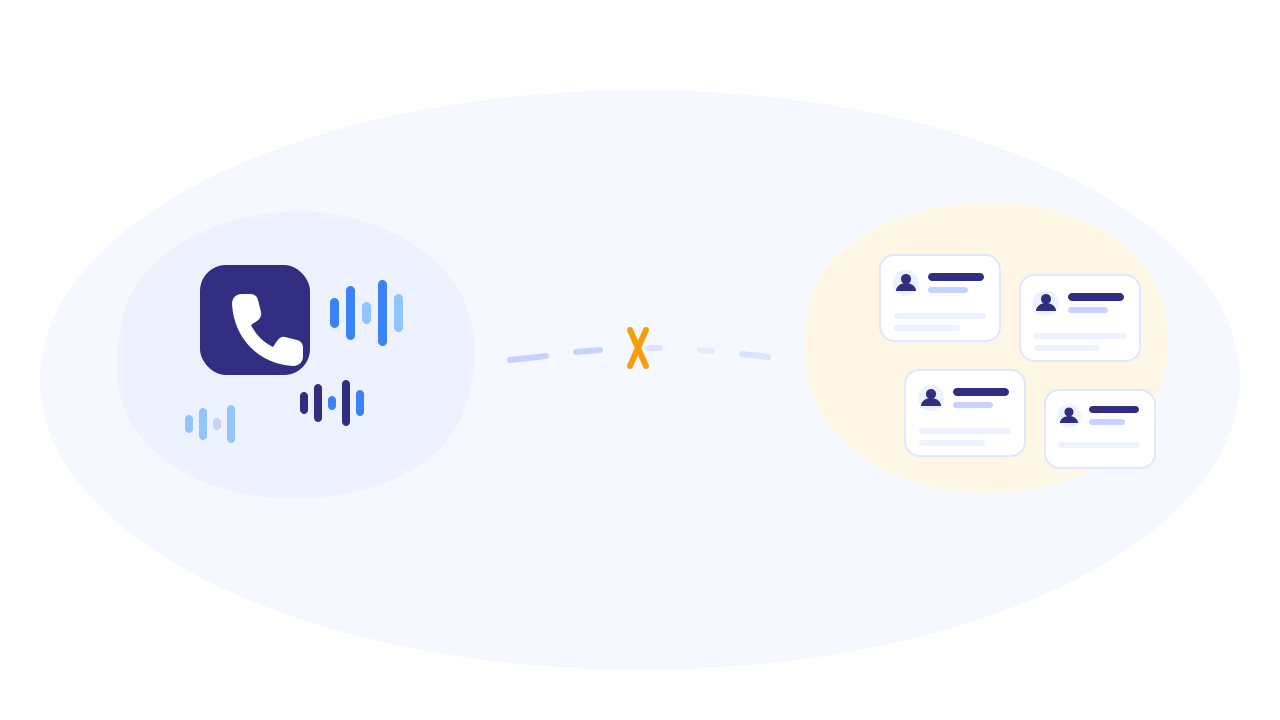
Twilio is infrastructure, not a CRM. Twilio’s records are keyed by call SID and phone numbers — a from, a to, a duration, an MP3. It has no idea which of those numbers belongs to a lead, which campaign produced that lead, or what they typed into your form before booking. Finding “the discovery call with the lead from Tuesday” means scrolling call logs by timestamp and matching numbers by eye.
CRMs attach only their own dialer’s calls. GoHighLevel’s phone system logs calls — but the moment your calls run on your own Twilio account, an IVR flow, a call center dialer, or any phone stack outside the CRM’s native dialer, those recordings never touch the contact record. There’s no supported way in GHL to attach an external Twilio recording to a lead and play it there — let alone play it beside the lead-intelligence data (source, journey, partial capture) that lives outside GHL entirely.
The join key exists — nobody uses it. Every recording carries the lead’s phone number. Every captured lead record (if your capture is working) carries the same number. Matching them is mechanically possible; it’s just that Twilio doesn’t know about your leads, your CRM doesn’t know about your Twilio account, and hand-building the join is the kind of glue work that never makes the sprint.
What does the call-to-lead gap cost a discovery-call business?
For a business whose revenue moment is a call — consultations, demos, high-ticket services — the gap costs in three places:
Campaign optimization runs blind past the booking. You can see which campaigns produce booked calls. You can’t easily see which produce calls that last 25 minutes and close versus calls that last 90 seconds and no-show. The most expensive campaign might book the cheapest talkers. Without call-to-lead attachment, cost-per-call is measurable and cost-per-real-conversation isn’t.
Call review has no context. Reviewing a discovery call from the Twilio console means listening cold: a phone number, a duration, an MP3. Was this the lead who came from the Meta retargeting campaign and filled half the qualification form? The one AI scored as a strong match? You can’t tell — the context lives in other systems. Coaching, qualification review, and dispute resolution all degrade when the recording is an orphan.
Follow-up decisions lose the best signal. A lead who spent 30 minutes on a discovery call is categorically different from one who never picked up — but if call outcomes aren’t visible on the lead record, your follow-up automations and your sales prioritization treat them identically.
What are the manual workarounds — and where do they break?
Three honest options, none good:
- Switch all calling to the CRM’s native dialer. GoHighLevel’s phone system logs calls. The cost: migrating your entire phone stack — numbers, IVR flows, call routing, team habits — into the CRM, and accepting its dialer’s limits. And even then, the call sits next to CRM contact fields, not next to the ad-click journey and pre-submit capture data that explain who this lead actually is.
- Zapier/webhook stitching. Twilio can webhook call events; with enough glue you can write a call log entry onto a CRM contact. What you get is a text note — “call, 14 min” — not playable audio in context, and the phone-number matching logic (formats, country codes, which number is the lead’s) is now your code to maintain. Fragile, and nobody ever builds the playback half.
- Manual logging. The rep pastes the recording link into the contact after each call. Works until the second week, when it stops happening.
The common failure: all three treat the call as the thing to move, when the real fix is treating the phone number as the join key and letting a system do the matching continuously.
How does PartialLeads attach Twilio calls to leads?
PartialLeads connects to your Twilio account and does the join automatically — recordings matched to leads by phone, playable in-app beside everything else you know about the person:
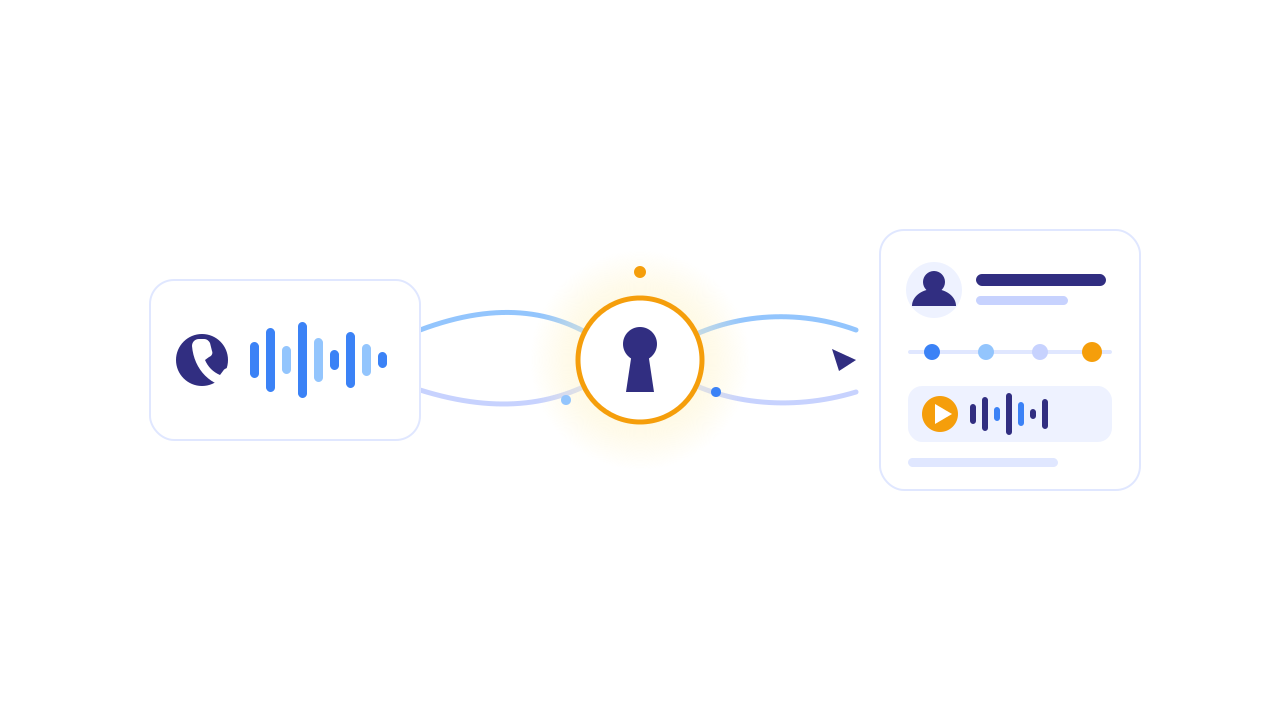
Connect once, sync continuously. Enter your Twilio Account SID and auth token (stored encrypted); PartialLeads validates the connection and then syncs new call recordings on a rolling basis — no per-call setup, no webhooks to build, no code. The sync is read-only against Twilio: recordings are never modified, and the integration never creates phantom leads.
Matching runs on the lead’s number, direction-aware. For every recording, PartialLeads works out which side of the call was the lead — the caller on an inbound call, the dialed number on an outbound one — normalizes it, and matches it against the phone numbers captured on your leads. This is where partial capture compounds: because PartialLeads captures phone fields as visitors type them (even on forms never submitted), the number needed for the match is on the lead record far more often than in a submit-only stack.
The match is identity-aware, not just number-aware. Recordings surface on the lead through the same identity cluster that powers the journey view — so if the person’s phone was captured on a sibling session (a different visit, a different device, the booking step of a multi-step funnel), the call still lands on the right lead. One person, one record, calls included.
Listen in-app, next to everything. Recordings play inside the lead’s detail view through a built-in player — no Twilio console, no downloading MP3s. The same screen shows the lead’s source and campaign, the full journey timeline (“Meta ad → returned Direct → booked”), the fields they filled, and the AI match score. The discovery call finally has its context: you hear the lead and see what they typed, where they came from, and what they’re worth.
Noise is filtered out. A minimum-call-length setting keeps missed calls and voicemail blips from cluttering lead records — only real conversations attach. The leads list flags which leads have recordings, so “review today’s discovery calls” is a filter, not an archaeology project.
Honest boundaries: the match needs the lead’s phone number captured somewhere in your funnel — a stack that never asks for a phone has nothing to join on. Recording must be enabled on your Twilio calls (PartialLeads syncs recordings; it doesn’t create them). Calls that run outside Twilio don’t sync. And this is call attachment and playback, not transcription or AI call scoring — you listen with context; the software doesn’t listen for you.
The call-to-lead gap, closed in one view:
| The gap today | PartialLeads mechanism | Where you see it working |
|---|---|---|
| Recordings keyed by call SID in the Twilio console | Continuous sync of recordings + call metadata from your Twilio account | Calls appearing on lead records automatically |
| CRM only attaches its own dialer’s calls | Phone-matched attachment, direction-aware, no dialer switch required | Discovery calls on leads regardless of how the call was placed |
| Number formats and multi-session leads break matching | Normalized matching through the identity cluster | Calls land on the right person even when the phone came from a sibling session |
| Listening means downloading MP3s with zero context | In-app playback beside journey, source, captured fields, AI score | The lead detail view: hear the call, see the story |
| Missed calls and voicemails clutter the record | Minimum-call-length filter | Only real conversations attached; has-recording flag on the leads list |
| Can’t tell which campaigns produce real conversations | Call attachment + attribution on the same record | Campaign-level view of leads with substantive calls |
Setup is the Twilio connection plus the tag you already run — minutes. The free tier (50 leads) is enough to watch your next week of discovery calls attach themselves to the right leads before paying anything.
Recover the leads you're already earning
Tell us what you're trying to track or fix. We'll show you which visitors your forms miss — and how PartialLeads recovers and qualifies them.
Sources
- Twilio Docs — Call recordings (REST API): https://www.twilio.com/docs/voice/api/recording
- Twilio Docs — Call resource (from/to/direction): https://www.twilio.com/docs/voice/api/call-resource
- E.164 — International phone number format (ITU): https://en.wikipedia.org/wiki/E.164